
 Continue with Google
Calendar Sync
Google + Microsoft
Read real availability and write bookings back to the right calendar.
Calendar Infrastructure For Real Workflows
AiMLCalendar turns booking pages, shared availability, routing, reminders, and follow-through into one system instead of five disconnected fixes.
Use your work email, connect Google or Microsoft, and keep scheduling attached to the calendar data you already trust. Start with the free calendar, then add SMS reminders when you want text confirmations before meetings.
Google data notice
When you connect Google, AiMLCalendar accesses the Google account and Google Calendar data needed to authenticate you, display availability, sync calendars, and create, update, or cancel events you ask us to manage.
We do not sell Google user data or use Google Workspace API data for advertising or generalized AI or ML training. See our Privacy Policy.
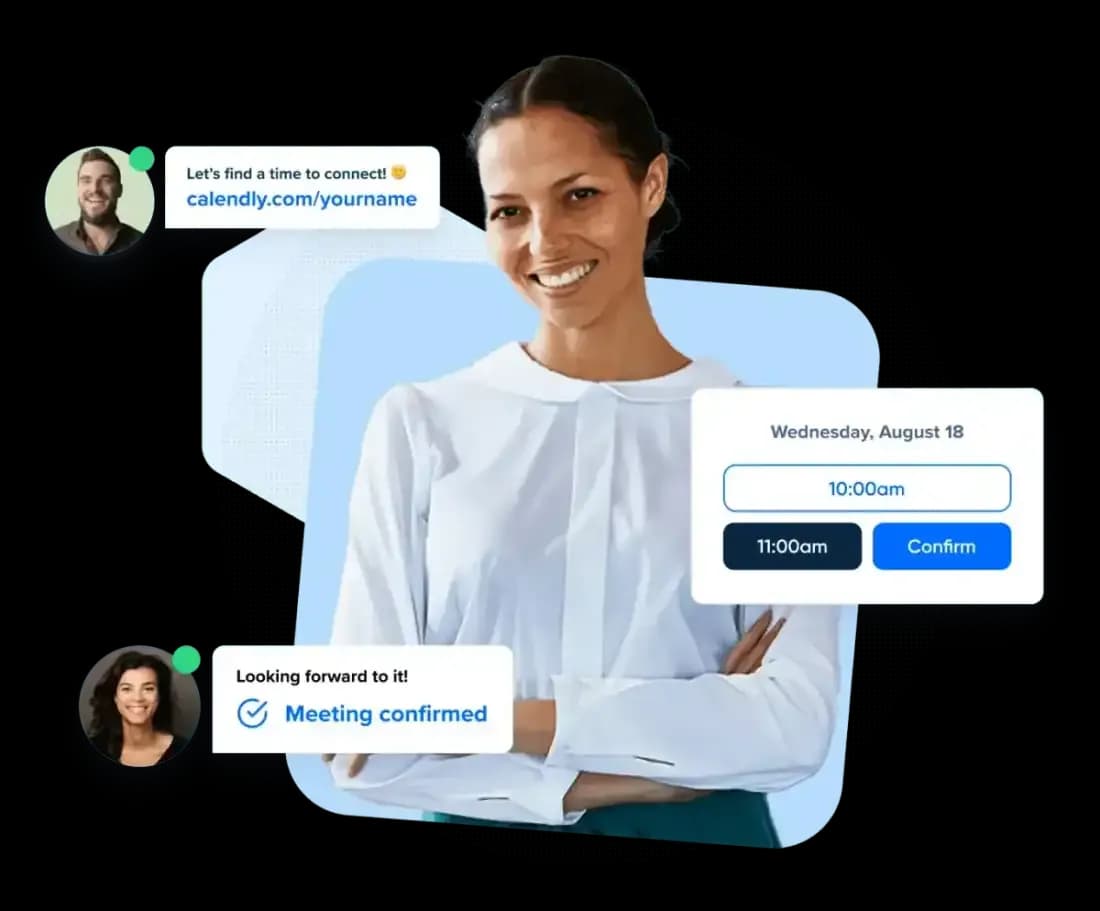
Live Availability
Real calendar data, booking rules, and cleaner handoffs in one place.
Built To Flow
Booking does not stop at the confirmation screen. Neither should the system behind it.
Calendar Sync
Read real availability and write bookings back to the right calendar.
Booking Logic
Match the right person, page, or event type without manual triage.
Team Plan
Start with a fixed small-team plan before moving into custom rollout work.
Follow-through
Start with free scheduling, then add SMS confirmations and reminders when no-shows start costing time.
Small-team pricing
AiMLCalendar Teams gives small businesses shared scheduling, round-robin booking, admin controls, and team availability for a fixed monthly price.
AiMLCalendar Teams
One fixed subscription for up to 4 team members. SMS notifications and phone verification remain optional paid add-ons.
Create account to start TeamsCompare all pricingAll Features
AiMLCalendar combines booking pages, calendar sync, availability rules, team scheduling, reminders, SMS upgrades, and verification into one workflow for businesses that need scheduling to keep moving after the first click.
Why AiMLCalendar
Bring booking pages, live availability, smarter routing, and follow-up automation into one flow that feels easier for you and clearer for the people booking time with you.
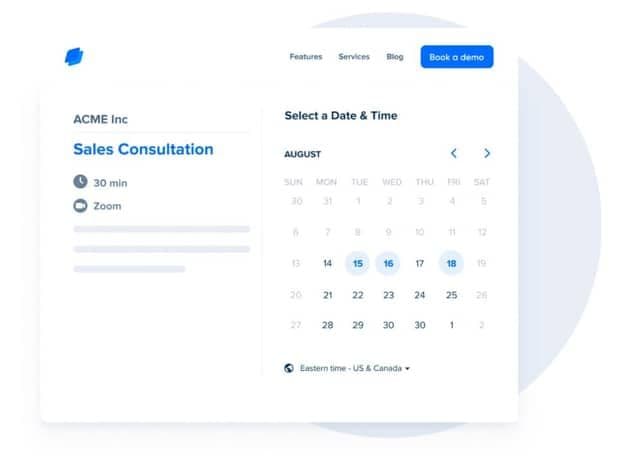
Publish booking pages, event types, and embedded flows that feel consistent across your site, inbox, and handoff points.
Use live availability, buffers, and booking rules so your page never promises time you do not actually have.
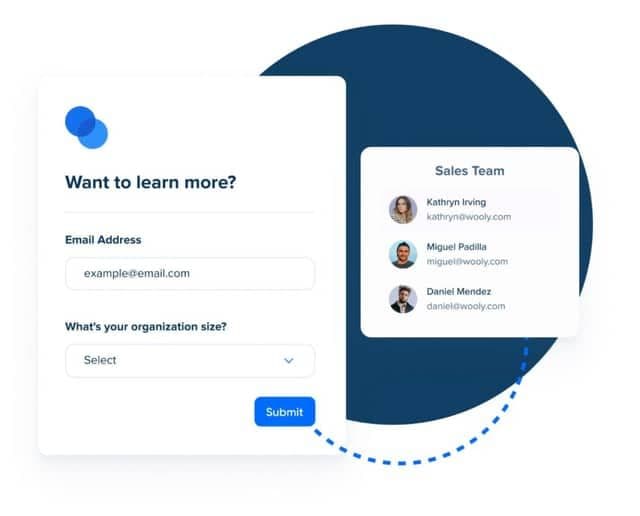
Screen requests before they hit a calendar and send people toward the right event type or owner automatically.
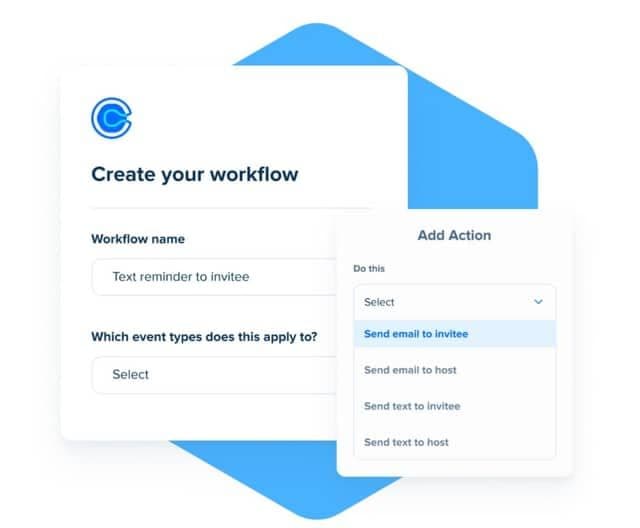
Email reminders stay close to the booking flow, and SMS reminders can be added when you want stronger no-show protection.
Product Story
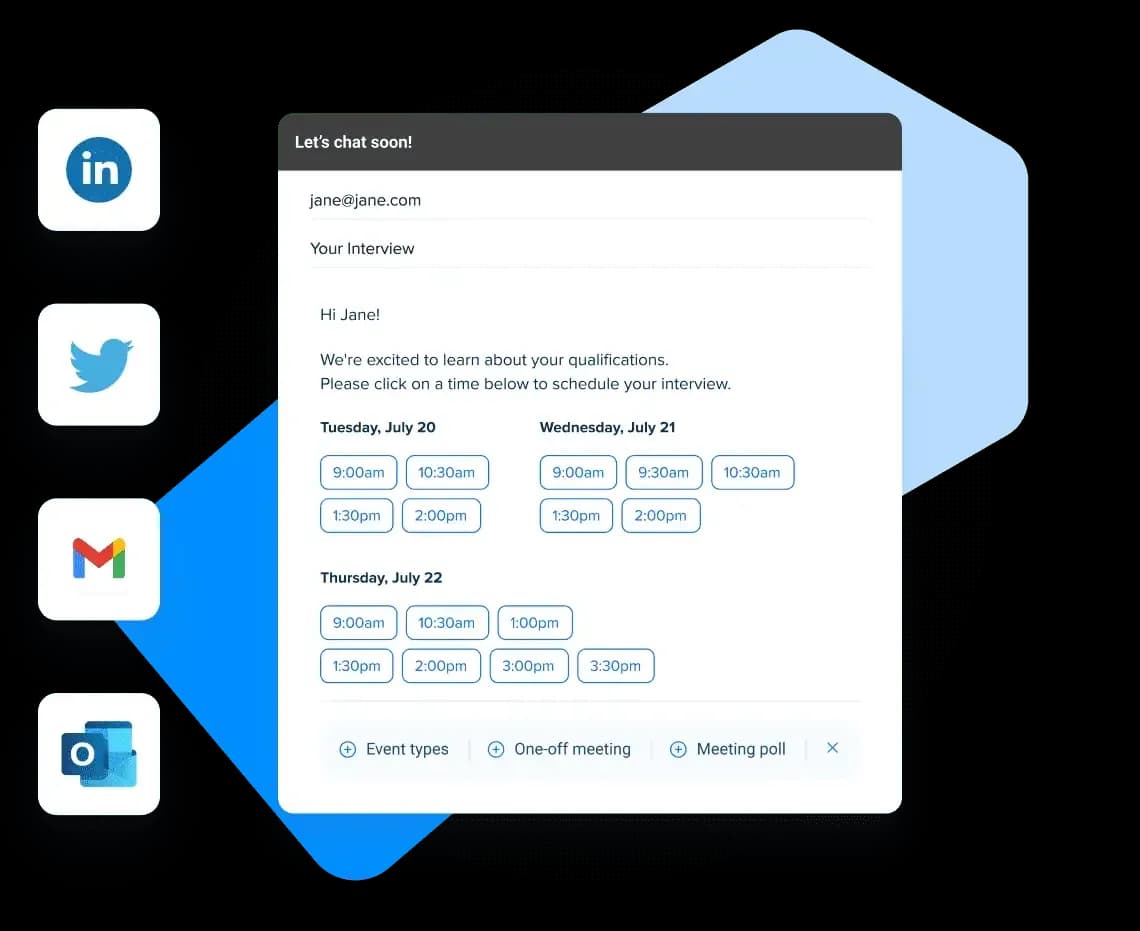
01 Booking Pages
Give visitors a clean way to book without exposing calendar chaos. Event types, availability, and guardrails stay aligned behind the scenes.
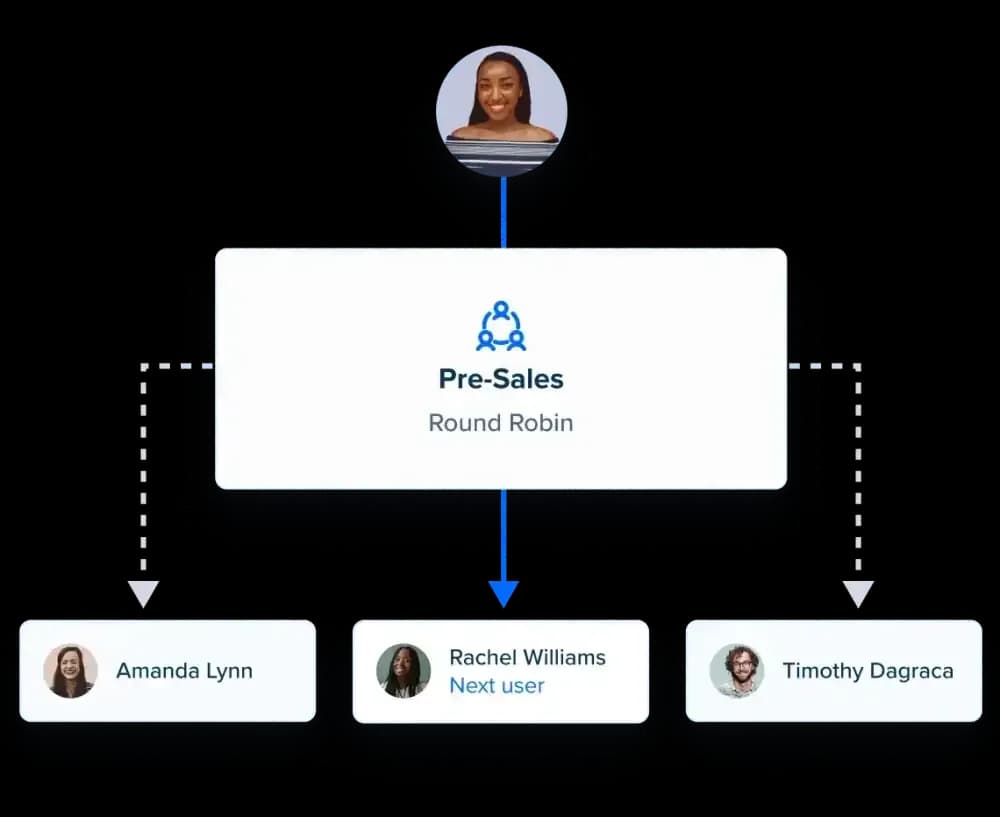
02 Shared Availability
Support round-robin and grouped availability from one place, so handoffs feel faster without making the setup fragile.
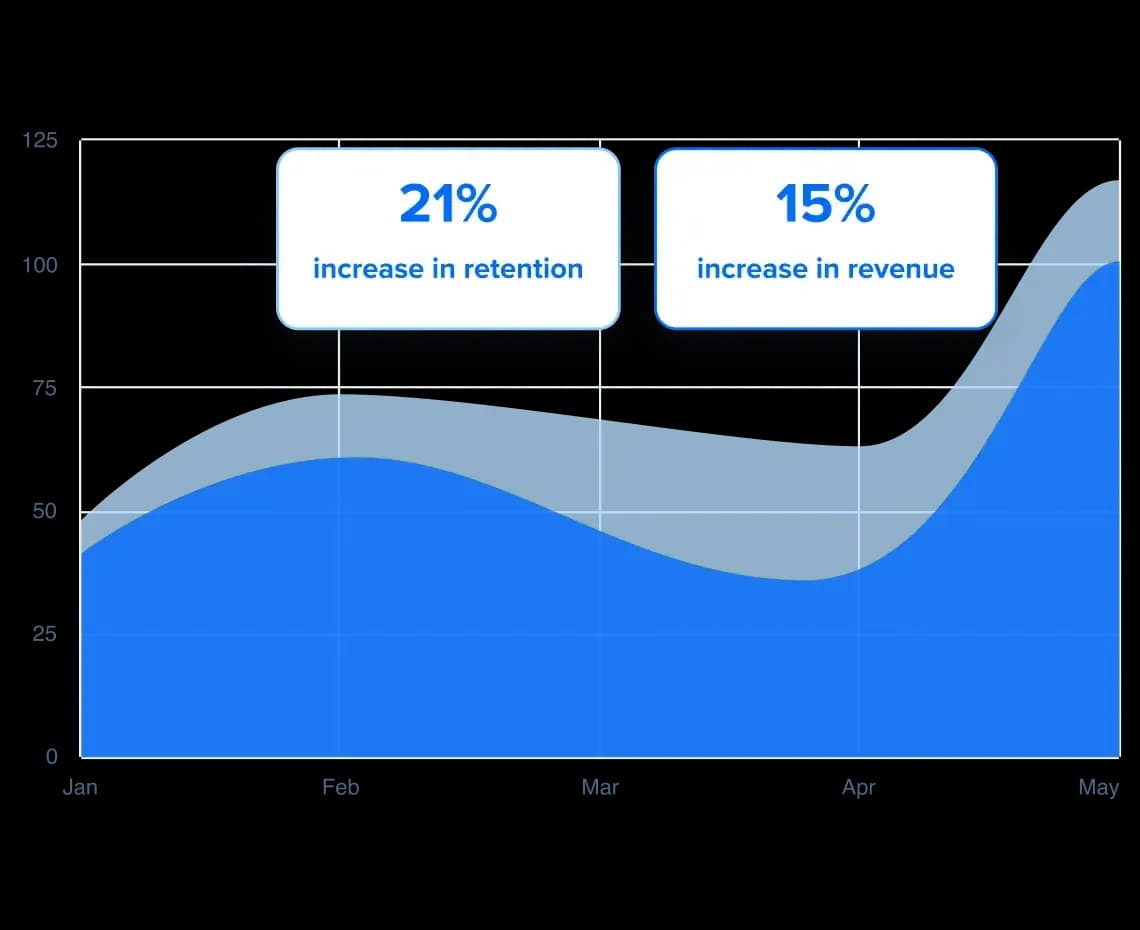
03 After The Booking
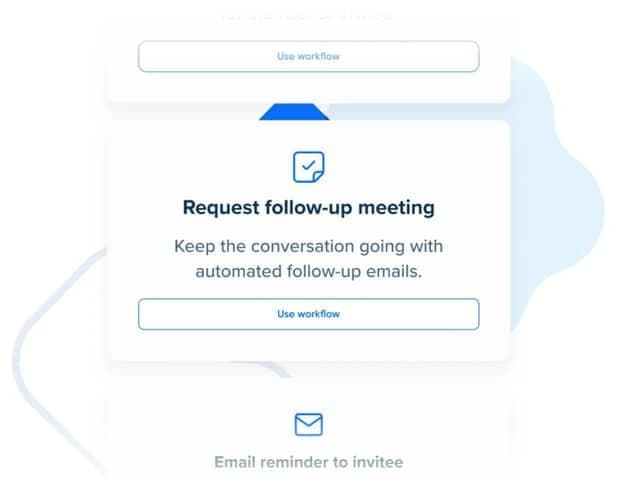
Use reminders, confirmations, and next-step automation to make the booking page part of a larger workflow, not a dead end.
Behind The Scenes
Good scheduling software hides complexity from the person booking while still giving you the levers that matter under the hood.
Qualify people before they book so calendars stay focused and meetings land in the right place.
Reduce no-shows with built-in confirmations and an optional SMS reminder add-on for appointments that need an extra nudge.
Use buffers, availability windows, and shared rules to keep the experience consistent as usage grows.
Start Scheduling Smarter
Launch booking flows that stay accurate, feel polished, and keep work moving from the first click to the next step.